
The best travel apps for international trips in 2026 are the ones that reduce friction in three places you feel immediately: getting online, getting around, and keeping plans organized when things change.
If you have ever landed tired, your SIM setup fails, your hotel address is in a language you cannot read, and your bank flags your card, you already know why app choices matter, they are not “nice to have,” they are the difference between calm and chaos.

This guide focuses on practical categories and real trip moments, not a giant list with no context, you will get a quick decision framework, a comparison table, and a setup checklist you can do the week before departure.
What “best” means for international travel apps in 2026
For international trips, “best” usually means reliable offline options, good cross-border support, and fewer surprises at checkout. Fancy features matter less than whether the app works in a subway with weak signal.
- Offline-first: downloadable maps, tickets, reservations, and translation packs.
- Low-friction access: works with U.S. phone numbers, supports passkeys, easy 2FA abroad.
- Clear costs: avoids hidden roaming, conversion markups, or “free trial” traps.
- Fast re-planning: reroutes, rebooks, and shares updates when delays hit.
According to U.S. Department of State guidance for international travelers, planning ahead and keeping key documents accessible can reduce disruption if you run into issues abroad, apps that store copies and contacts securely tend to help with that workflow.
Quick picks: best apps by situation (not just category)
Instead of naming one “winner,” match apps to the moment you are trying to fix. Many travelers end up with 8–12 apps, but only 4–6 do most of the work.
- Landing day (airport to hotel): Google Maps or Apple Maps, plus a ride-hailing or local transit app, plus Google Translate.
- Multi-city trips: TripIt or Wanderlog for itinerary, plus a train/flight booking app that supports your region.
- Budget control: Wise for multi-currency spending, plus Splitwise for group trips.
- Safety + backup: 1Password for logins, Airalo/Holafly for data backup, plus your airline app.
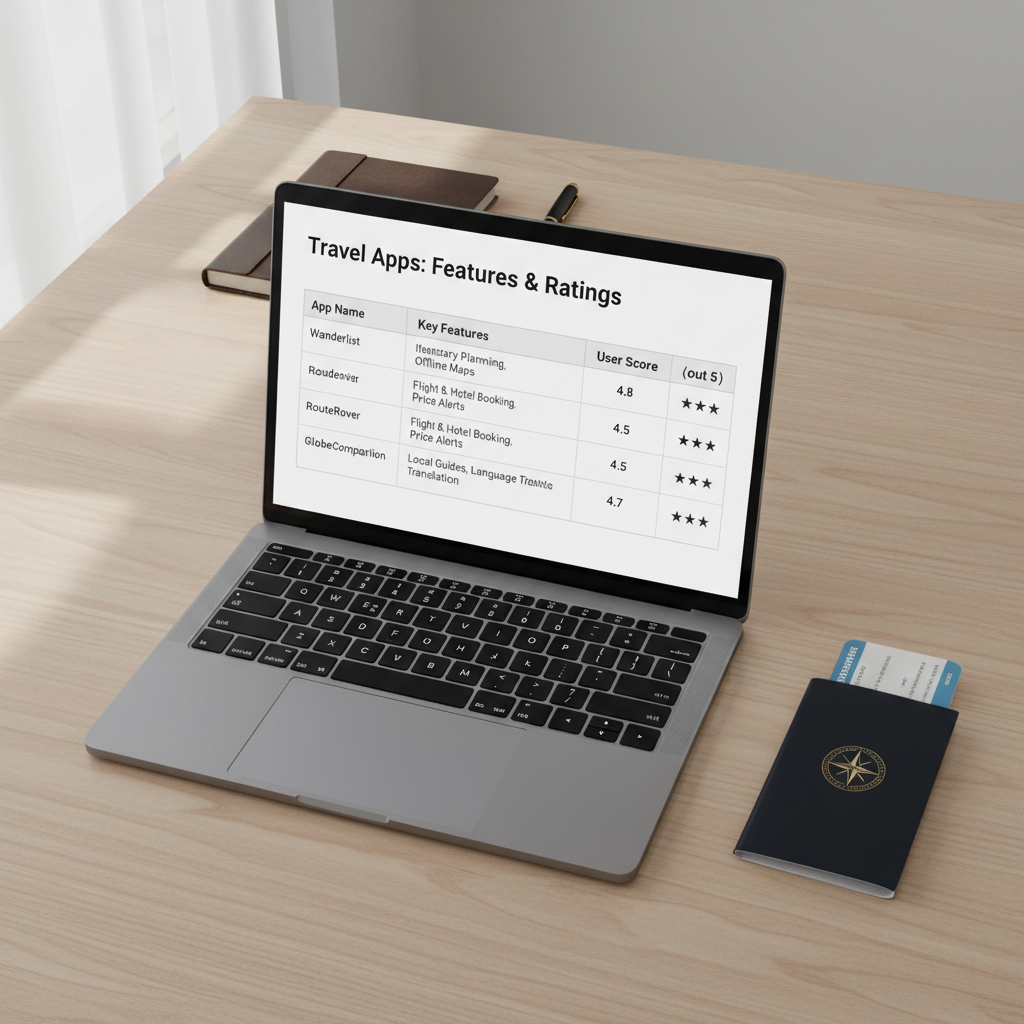
Comparison table: common “best travel apps for international trips” picks
This table is deliberately opinionated, it focuses on what tends to matter for U.S. travelers: cross-border usability, offline capability, and whether setup is annoying.
| App | Best for | Why it’s useful abroad | Watch-outs |
|---|---|---|---|
| Google Maps | Navigation | Strong POI coverage, downloadable areas, transit in many cities | Offline routing can vary by region |
| Apple Maps | iPhone-first navigation | Good walking guidance, privacy posture, improving transit support | Coverage still uneven in some countries |
| Google Translate | Language help | Camera translate, offline language packs, conversation mode | Nuance and slang can be off |
| Messaging | Widely used internationally, works well on Wi‑Fi/data | Keep backups and verify number access | |
| Airalo (eSIM) | Data connectivity | Quick setup, avoids many roaming plans | Voice/SMS often limited, device must support eSIM |
| Wise | Spending + transfers | Multi-currency balances, typically clearer FX than many banks | Not available for every feature in every country |
| TripIt | Itinerary organization | Forward confirmations, keeps plans in one place, easy sharing | Some features require a paid tier |
| Uber / local ride-hail | Point-to-point rides | Useful in many regions, upfront pricing in some markets | Local competitors may be cheaper or more available |
| 1Password | Account access | Stores logins, passports info, and recovery codes securely | Requires discipline and a strong master password |
Why travelers get burned: common failure points apps can prevent
Most app “problems” are really setup problems that only show up when you are already abroad. The best travel apps for international trips tend to shine because they reduce these predictable failure points.
- No data on arrival: eSIM not installed, phone locked, roaming disabled, or captive Wi‑Fi portal blocks you.
- 2FA lockouts: bank or email sends codes to a U.S. number you cannot receive.
- Address confusion: you copy a hotel name, but the driver needs the exact local-script address.
- Currency shock: conversion fees, dynamic currency conversion at terminals, or unclear app “service fees.”
- Reservation sprawl: confirmations split across email, screenshots, and 3 different booking sites.
According to FTC (Federal Trade Commission), consumers should watch for unexpected fees and understand payment terms, that mindset applies directly to travel apps, especially when subscriptions and add-ons are involved.
Self-check: which app stack do you actually need?
If you do this quick check honestly, you will end up with fewer downloads and better coverage. Aim for a small “core stack,” then add trip-specific tools.
Core stack (most international trips)
- Maps with offline downloads
- Translation with camera mode and offline pack
- Messaging used in your destination
- Wallet/payment you trust, plus a backup card plan
- Itinerary app or a single, shared document
- Passwords and recovery codes stored safely
Add these if your trip matches
- Multi-country itinerary: eSIM marketplace, regional rail app, lounge/airport helper
- Road trip abroad: offline nav plus local fuel/parking apps
- Group travel: Splitwise, shared map list, shared itinerary permissions
- Frequent flyers: airline app, mileage tracker, TSA/entry document storage
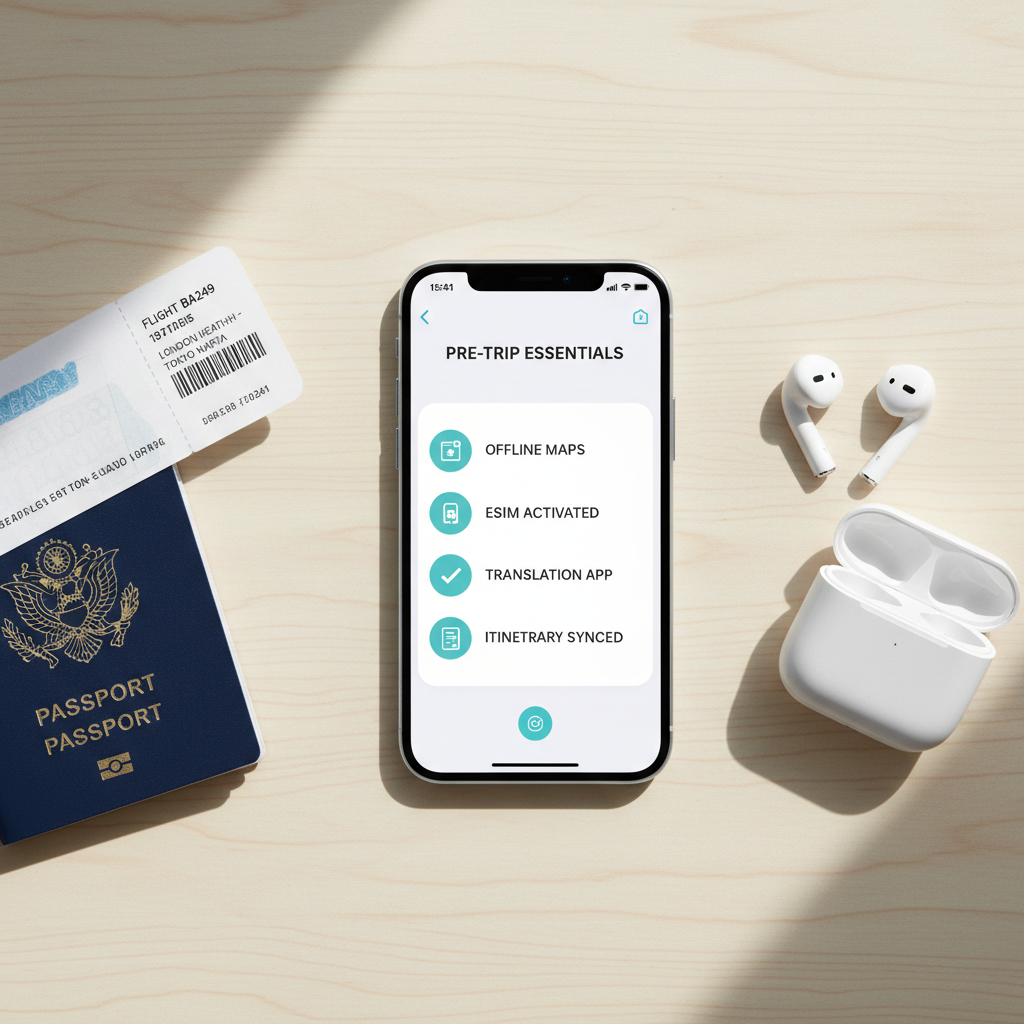
Practical setup: a 60-minute “before you fly” checklist
This is the part many people skip, then blame the app later. Block one hour, do it once, and your phone becomes a travel tool instead of a stress machine.
- Download offline essentials: map areas, translation packs, boarding passes, key reservations as PDFs.
- Fix account access: update recovery email, store backup codes, consider an authenticator app rather than SMS where possible.
- Connectivity plan: confirm your phone is unlocked, install eSIM, test it, keep Wi‑Fi calling settings in mind.
- Payments: notify banks if needed, add cards to Apple Pay/Google Wallet, set travel notifications.
- Safety basics: enable device find-my features, set a strong passcode, turn on automatic backups.
According to NIST (National Institute of Standards and Technology), longer passphrases and strong authentication practices improve account security, for travel that usually translates to fewer lockouts when you are on unfamiliar networks.
Mistakes to avoid (these waste time and money)
A lot of “best app” lists ignore the boring parts, but this is where trips get expensive or messy.
- Downloading everything at the gate: airport Wi‑Fi fails at the worst moment, download at home.
- Relying on SMS for everything: if your U.S. number cannot receive texts, logins become a spiral.
- Using only screenshots: great as backup, but not searchable, and easy to lose in camera roll.
- Ignoring local ride-hail: in some cities, Uber exists but local apps have more drivers and clearer pickup rules.
- Paying in “USD” at terminals: dynamic currency conversion can add cost, many travelers prefer paying in local currency, but you should choose based on your card terms.
If you are managing health information, medications, or travel insurance documents in apps, keep in mind privacy and regulatory differences by country, and when in doubt it may be worth asking a qualified professional what to store and how.
Key takeaways and a simple action plan
For 2026, the best travel apps for international trips are less about trendy features and more about resilience: offline access, easy re-planning, and reliable login recovery when you are far from home.
- Pick a core stack: maps, translation, messaging, payments, itinerary, passwords.
- Do one setup session a week before departure, test offline mode and eSIM.
- Keep one backup path for data and for money, even a great app cannot fix a dead phone.
If you want one next step, open your phone now and build a “Travel 2026” folder, add only the apps you will actually use, then download offline content tonight while you have stable Wi‑Fi.